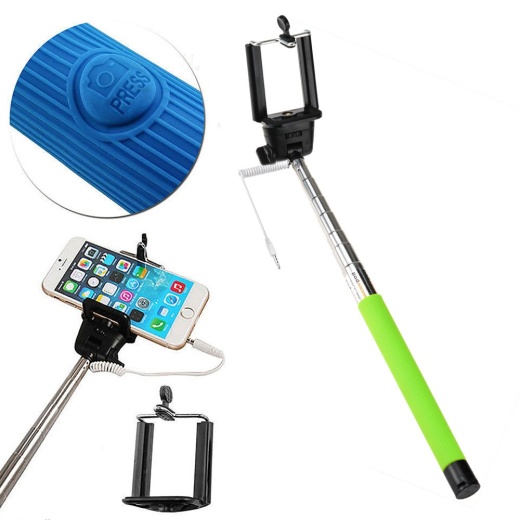
Wired Selfie Stick with Remote Small Clip (Green)
Important information
- Ensure phone camera setting is to capture using the volume button.
- For iPhone iOS 5 or higher is required.
- Some Android phones may work straight away.
- Where the button press does not take the picture, download the Camera360 Ultimate app. Go to Settings through the "Gear" icon, then More to Volume Key Function. Ensure it is set toCapture. Go back to Selfie on Camera360 and click away.
- If the Camera360 app does not help then your phone will not be compatible and you will need to use the self-timer to take your Selfie.
- NOTE: The press button does not work with GoPros and small cameras, the self-timer is required to be used for still pictures.